Tech Guardians – Cyber Range Based Course
Passive reconnaissance is the foundation of professional cybersecurity assessments. Before scanning, exploiting, or defending systems, security professionals must first understand a target’s external digital footprint.
Network Security Phase–1 by Tech Guardians is designed to build that foundation using structured, lab-based training inside a controlled cyber range.
This blog explains the step-by-step methodology, tools, and practical approach used in the course.
Why Passive Reconnaissance Matters
Passive reconnaissance allows analysts to gather intelligence without directly interacting with the target infrastructure.
This means:
No intrusion detection alerts
No logs triggered on the target
No direct packets sent to the organization
Completely OSINT-based intelligence gathering (within legal scope)
This stage identifies:
Domain ownership
Hosting infrastructure
Email servers
DNS misconfigurations
Exposed internet services
Subdomains and hidden assets
Tools Covered in Phase–1
| Tool | Purpose |
|---|---|
| whois | Domain registration intelligence |
| nslookup | DNS record enumeration |
| dig | Advanced DNS analysis |
| DNSDumpster | Subdomain & infrastructure mapping |
| Shodan.io | Internet-wide exposure intelligence |
Step 1 – WHOIS Intelligence Gathering
WHOIS provides registration-level information about a domain.
Tool Used: whois
Command:
whois example.com
What It Reveals:
Registrar
Creation date
Expiration date
Name servers
Registrant details (if not privacy protected)
Practical Use Case:
Identify domain takeover risks
Detect expired domain vulnerabilities
Assess social engineering opportunities
Identify DNS infrastructure
Step 2 – DNS Enumeration with nslookup
DNS records expose infrastructure details.
Tool Used: nslookup
A Record (IPv4 Lookup)
nslookup -type=A example.com 1.1.1.1
Output Analysis:
Extract IP addresses
Identify hosting provider
Map infrastructure
MX Record (Mail Server Discovery)
nslookup -type=MX example.com
Analysis:
Identify mail provider (Google, Microsoft, Self-hosted)
Analyze email routing
Assess email attack surface
TXT Record (Email Security)
nslookup -type=TXT example.com
Look For:
SPF record
DKIM
DMARC
These protect against email spoofing and phishing attacks.
Step 3 – Advanced DNS Analysis Using dig
dig provides more technical details compared to nslookup.
Tool Used: dig
Basic A Record Query
dig example.com A
Students Analyze:
TTL (Time To Live)
Authoritative server
Response flags
Query Specific DNS Server
dig @1.1.1.1 example.com MX
This helps verify DNS propagation and compare results across DNS providers.
Step 4 – Subdomain Discovery
Standard DNS tools cannot automatically discover hidden subdomains.
Method 1 – Manual Google Dorking
Search:
site:example.com
This reveals indexed subdomains.
Method 2 – DNSDumpster
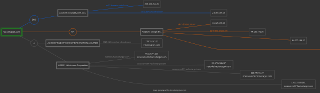
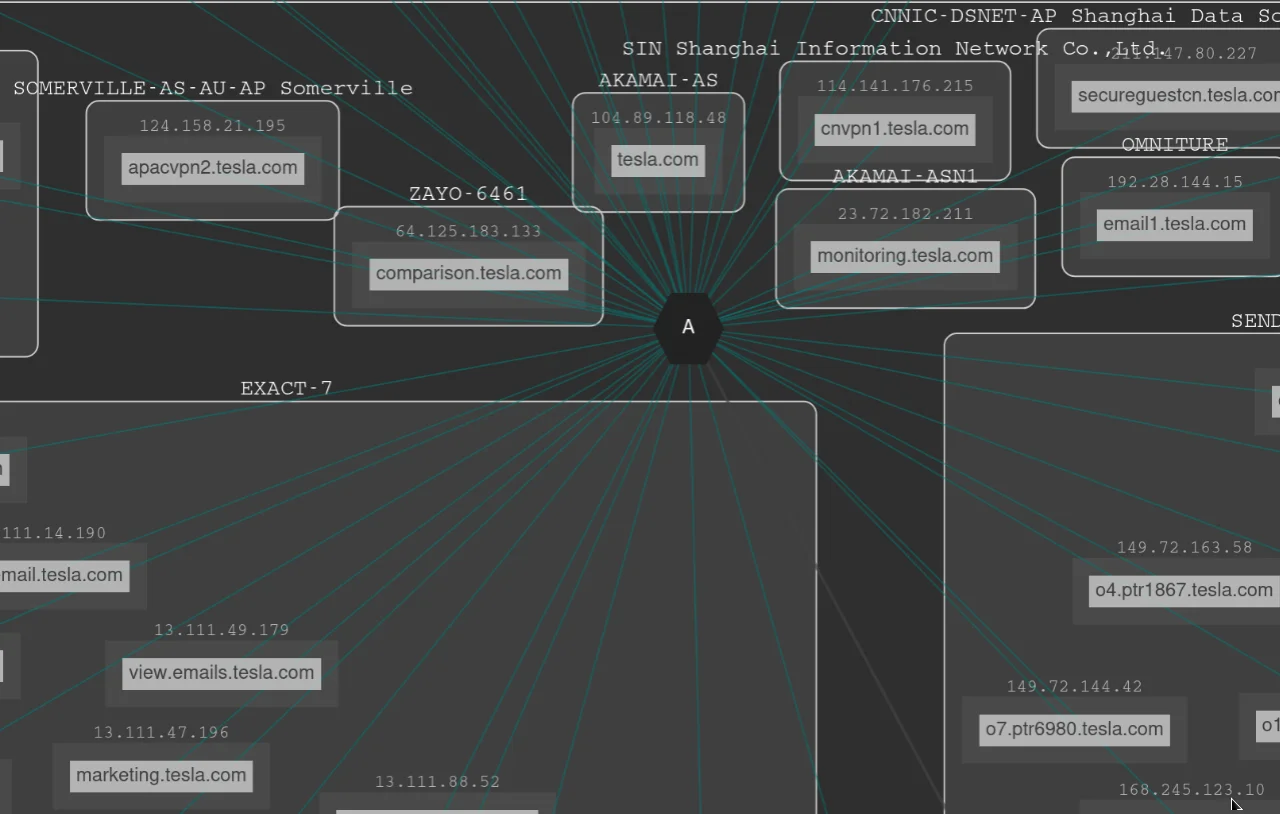
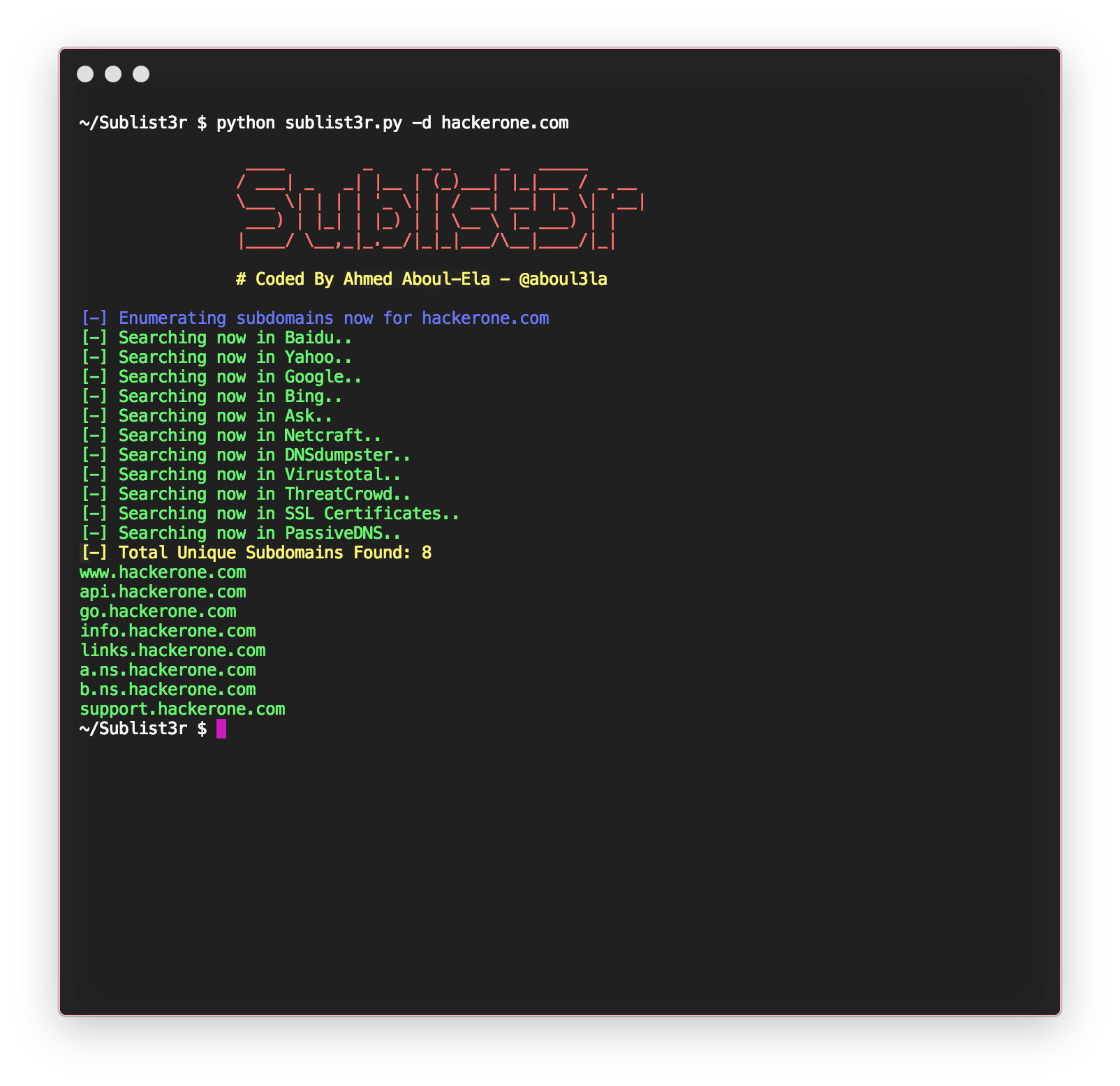
What DNSDumpster Provides:
Subdomains
DNS servers
MX servers
IP addresses
Infrastructure graph mapping
This visual representation helps identify attack surface quickly.
Step 5 – Exposure Intelligence Using Shodan
Shodan scans the internet and indexes exposed services.
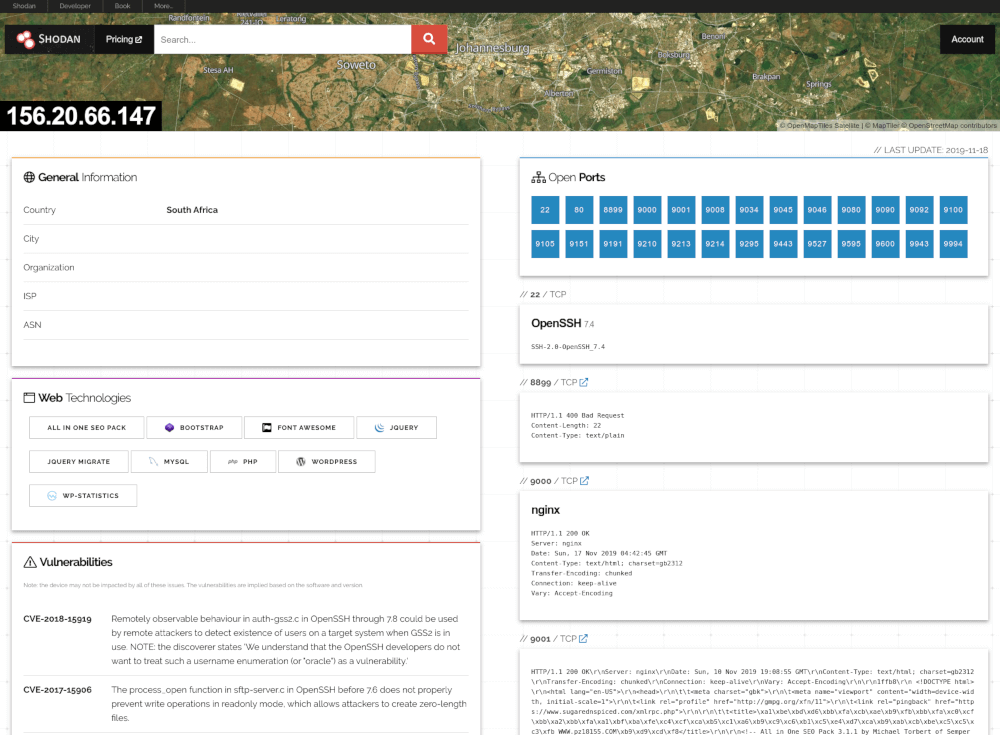
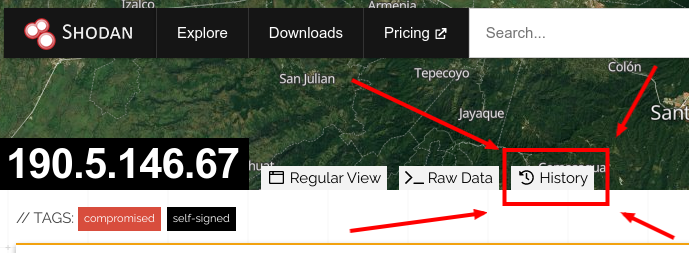
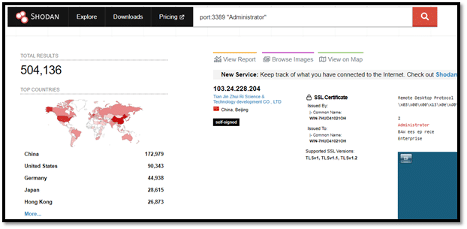
What Shodan Reveals:
Open ports
Server banners
Service versions
Hosting company
Geographic location
Workflow:
Extract IP from A record
Search IP in Shodan
Identify open ports
Identify exposed services
Assess risk
Final Challenge – Passive Recon Report
Students perform a complete reconnaissance cycle:
WHOIS analysis
DNS A, MX, TXT enumeration
Subdomain discovery
Infrastructure mapping
Shodan exposure analysis
Professional reconnaissance report creation
No comments:
Post a Comment