🟢 LEVEL 1 – FOUNDATION PACK (15 Days)
Tech Guardians – By RJ Nehra
Goal: Build Strong Cyber, Networking & Lab Foundation
Mode: 60% Practical | 40% Theory
Platform: Kali Linux + TryHackMe (Paid Subscription)
📘 MODULE 1: Cyber Security Fundamentals
1️⃣ What is Cyber Security?
Cyber Security = Protecting systems, networks, and data from attacks.
🔺 CIA Triad
Confidentiality – Prevent unauthorized access
Example: Password-protected admin panelIntegrity – Prevent data tampering
Example: File hash verificationAvailability – Ensure service uptime
Example: DDoS protection
2️⃣ Types of Hackers
White Hat (Ethical)
Black Hat
Grey Hat
Script Kiddie
Insider Threat
3️⃣ Ethical Boundaries (Very Important)
You must:
Practice only in lab
Use TryHackMe rooms
Never attack real websites
Use written permission in real cases
🔥 TryHackMe Practical (Day 1–2)
Rooms to Complete:
“Introduction to Cyber Security”
“Pre Security Path – What is Networking?”
“Careers in Cyber”
These build conceptual clarity.
📘 MODULE 2: Networking Fundamentals
If networking is weak → hacking will be weak.
1️⃣ OSI Model (7 Layers)
Physical
Data Link
Network
Transport
Session
Presentation
Application
Example:
When you open website:
Application → HTTP
Transport → TCP
Network → IP
Data Link → MAC
2️⃣ TCP vs UDP
| TCP | UDP |
|---|---|
| Reliable | Fast |
| Handshake | No Handshake |
| Used in HTTP | Used in DNS |
3️⃣ Ports & Protocols
Common Ports:
| Port | Service |
|---|---|
| 21 | FTP |
| 22 | SSH |
| 80 | HTTP |
| 443 | HTTPS |
| 445 | SMB |
| 3389 | RDP |
🔥 Practical in Kali
Commands:
ip a
ifconfig
netstat -tulnp
ss -tuln
ping <ip>
traceroute <ip>
🔥 TryHackMe Rooms (Day 3–5)
“Network Fundamentals”
“What is DNS?”
“Intro to LAN”
Goal:
Understand:
IP Address
Subnet
Gateway
DNS resolution
📘 MODULE 3: Linux for Hackers
Most hacking tools run on Linux.
1️⃣ Linux File Structure
/root
/home
/etc
/var
/usr
Example:
Password configs stored in
/etc
2️⃣ Basic Commands
ls
cd
pwd
cat
nano
touch
mkdir
rm
chmod
chown
grep
find
3️⃣ File Permissions
Format:
rwx r-x r--
Example:
chmod 777 file.txt
Meaning:
Full access to everyone.
🔥 Practical Task
Create user:
adduser testuser
Change permission:
chmod 600 secret.txt
Check running services:
ps aux
top
🔥 TryHackMe Rooms (Day 6–8)
“Linux Fundamentals Part 1”
“Linux Fundamentals Part 2”
“Linux Fundamentals Part 3”
These are excellent for beginners.
📘 MODULE 4: Lab Setup (Very Important)
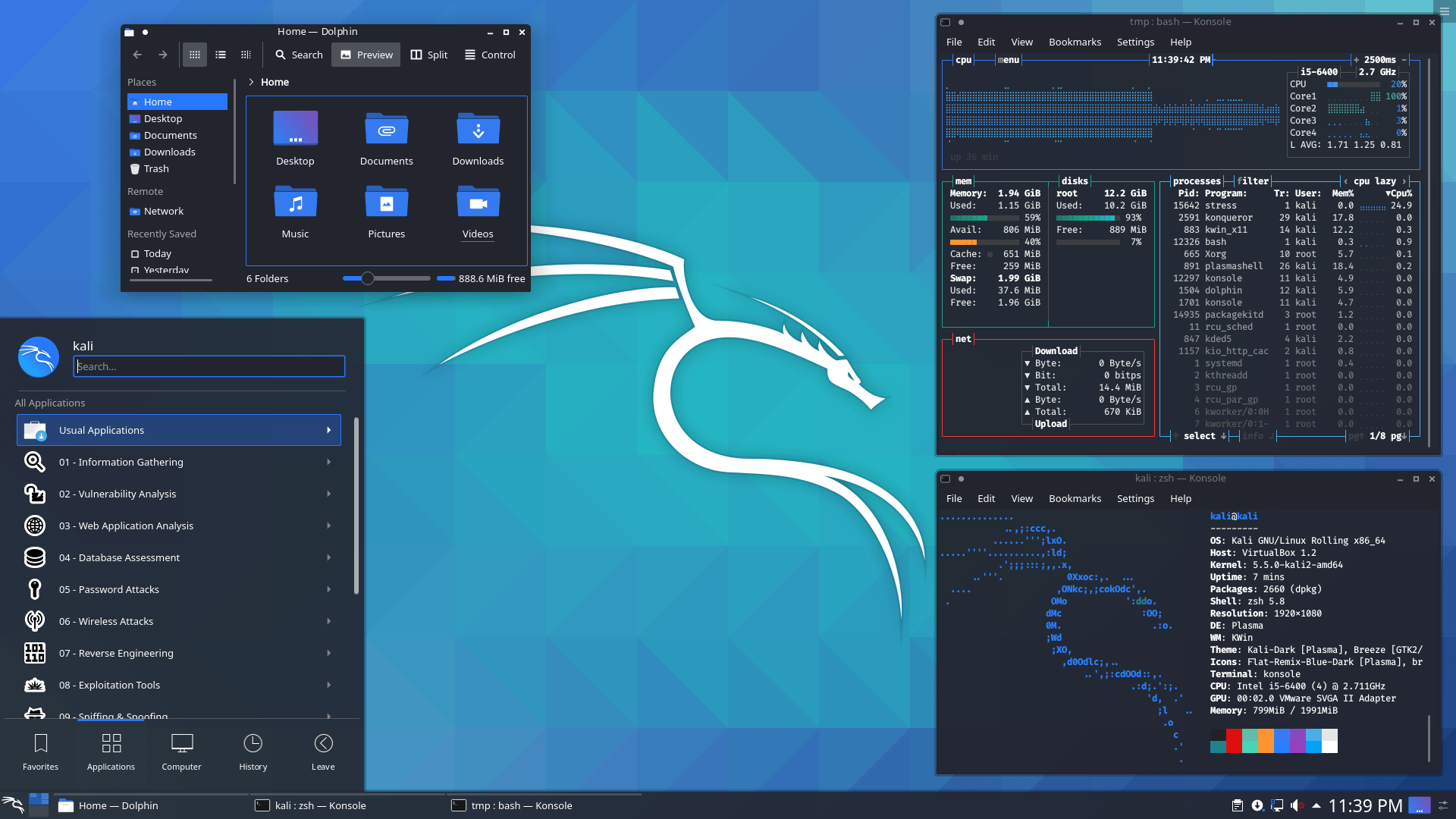
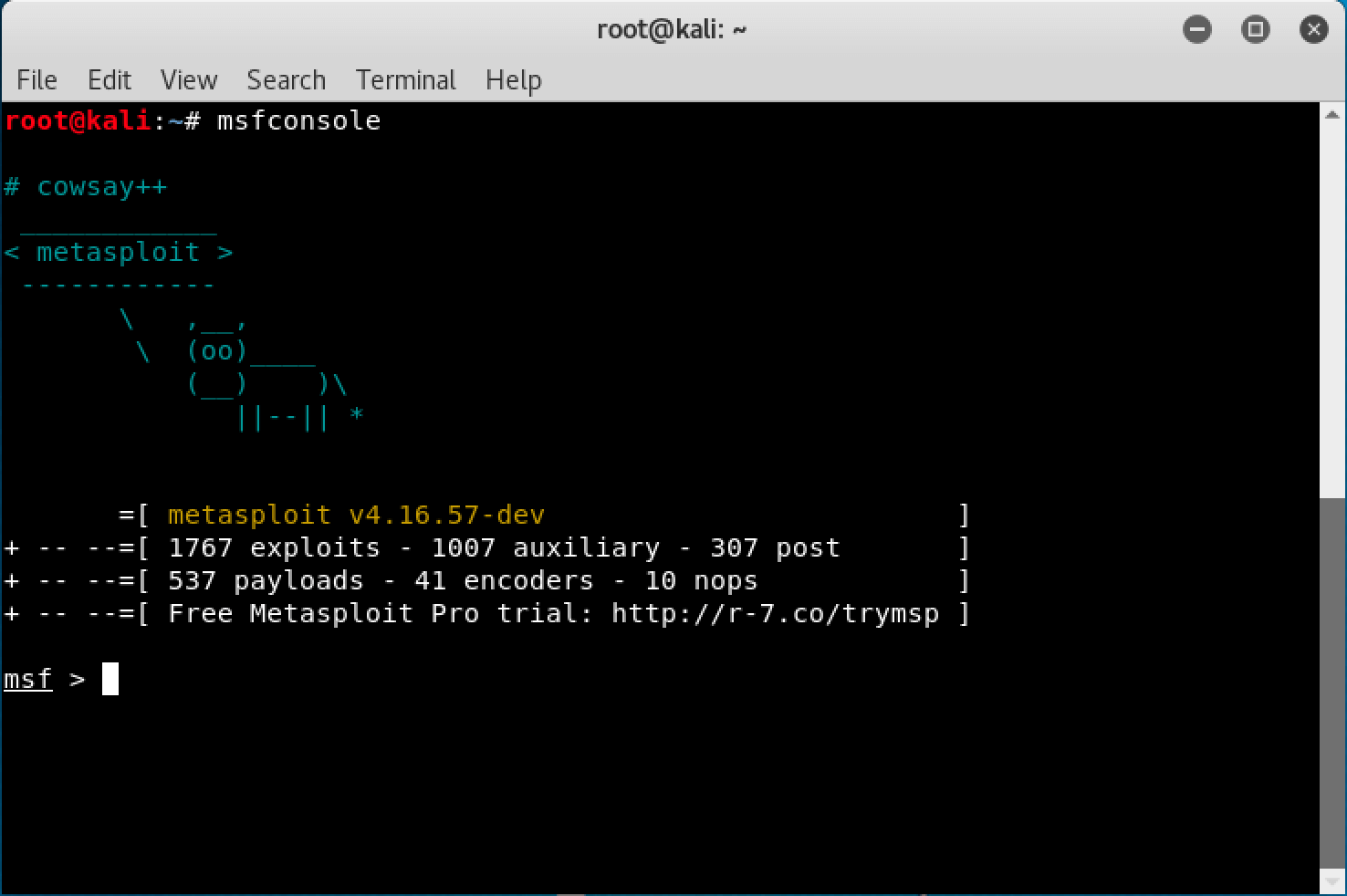
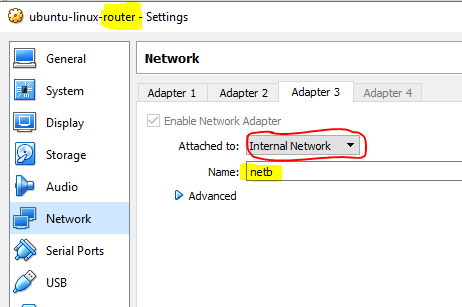
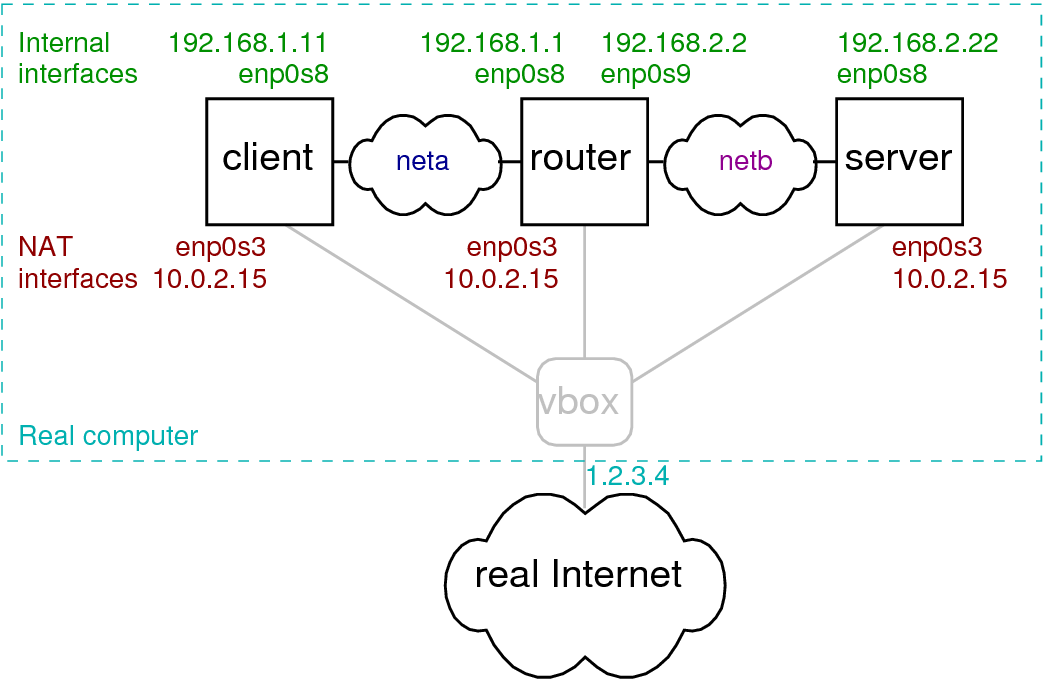
You will create Attacker + Victim Lab.
🔧 Architecture
Setup Steps
Install VirtualBox / VMware
Install Kali Linux
Install Metasploitable
Set both machines to Internal Network
Assign IP addresses
Test connectivity
Test:
ping <victim-ip>
Snapshot Concept
Before attack:
→ Take snapshot
If system breaks → Restore
Very important for beginners.
🔥 TryHackMe Practical (Day 9–12)
Rooms:
“Intro to Offensive Security”
“Nmap”
“Basic Pentesting”
These simulate real lab safely.
📘 MODULE 5: Basic Scanning (Nmap Introduction)
1️⃣ What is Nmap?
Network mapper tool to scan ports and services.
Basic Scan
nmap <target-ip>
Find open ports.
Service Detection
nmap -sV <target-ip>
OS Detection
nmap -O <target-ip>
Example Scenario
You scan:
nmap -sV 192.168.1.10
Output shows:
Port 21 open → FTP
Port 22 open → SSH
Port 80 open → Apache 2.4
Now you know:
Target running web server + FTP.
This is reconnaissance.
🔥 TryHackMe Room (Day 13–15)
“Nmap”
“Vulnversity” (Beginner friendly)
“Basic Pentesting”
Goal:
Scan machine
Identify services
Capture screenshots
Write basic findings
🎯 END OF LEVEL 1 – STUDENT SHOULD BE ABLE TO:
✔ Setup personal hacking lab
✔ Understand networking
✔ Use Linux comfortably
✔ Perform Nmap scanning
✔ Understand attack lifecycle
✔ Practice safely using TryHackMe
📌 Assignment for Level 1 Completion
Setup Kali + Metasploitable
Scan victim machine
Identify open ports
Write small 1-page report including:
IP
Open ports
Services
Risk explanation
No comments:
Post a Comment